


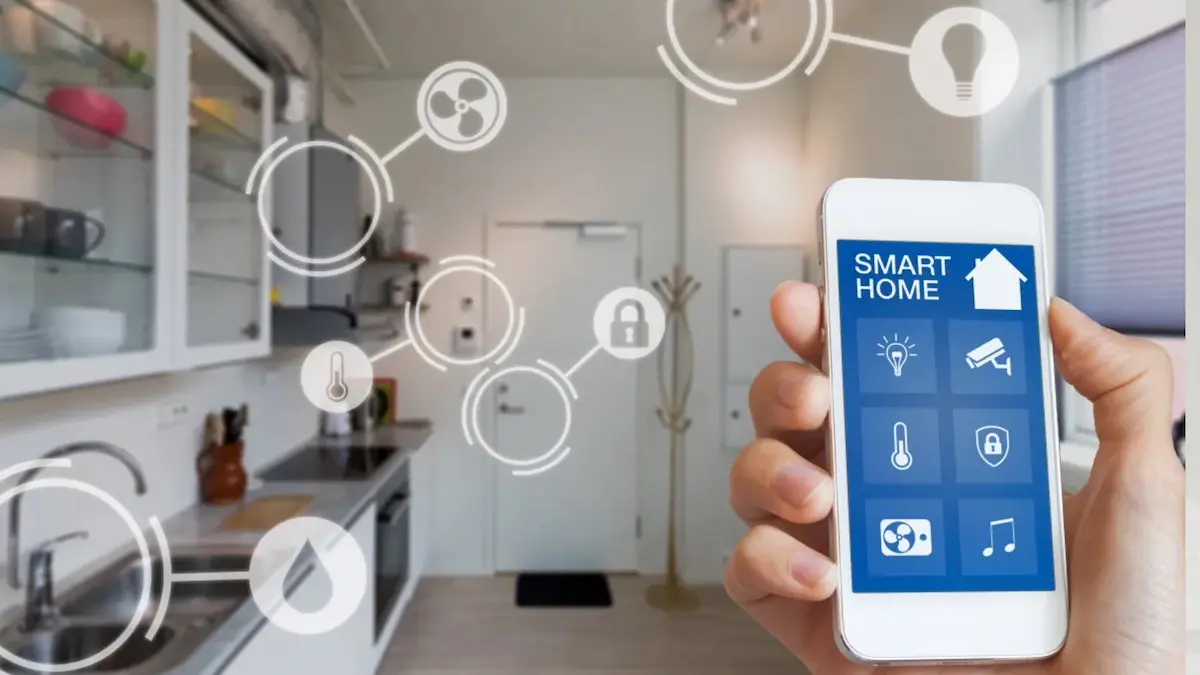
In today’s tech-driven world, smart device how-to guides have become essential. From smartphones and smartwatches to smart TVs and home automation devices, these gadgets are designed to make life easier—but only if you know how to use them correctly.
This guide is here to help you. Whether you’re new to smart devices or just want to get the most out of your tech, we’ll walk through everything—from setup and customization to troubleshooting and security tips. Think of it as your friendly roadmap to mastering modern technology.
Why Smart Device How-To Guides Are Crucial

Smart devices are powerful tools, but they can be tricky without guidance. Here’s why a good how-to guide matters:
- Simplifies Setup: Many smart devices have multiple steps or require app integration. A guide breaks these into manageable chunks.
- Maximizes Features: Most devices come with hidden functionalities. Guides help you unlock the full potential.
- Troubleshoots Issues: When devices misbehave, guides offer solutions to save you time and frustration.
- Improves Security: Incorrect setups can leave devices vulnerable. Guides often include security best practices.
- Saves Time and Effort: Avoid guessing your way through installation or features—follow tested steps.
Popular Smart Devices and Their How-To Guides
Here’s a detailed look at the types of devices you’ll find guides for, along with what you can learn from them:
1. Smartphones and Tablets
Smartphones are at the center of our digital lives. Guides for these devices typically cover:
- Initial Setup: How to power on, connect to Wi-Fi, and sign in with accounts like Google or Apple ID.
- Data Transfer: Moving contacts, photos, and apps from an old device to a new one.
- Customization: Changing themes, wallpapers, notifications, and accessibility settings.
- App Management: Installing, updating, and organizing apps efficiently.
- Security: Setting up PINs, passwords, fingerprint or face recognition, and enabling two-factor authentication.
Pro Tip: Always check your smartphone’s software updates before setting up, as they can improve performance and fix bugs.
2. Smart Home Devices
Smart home devices make your house more convenient and efficient. How-to guides cover:
- Smart Lights & Plugs: Connecting to apps, scheduling, and automating lights or appliances.
- Thermostats & Climate Control: Adjusting temperature remotely and integrating with other devices.
- Security Systems: Setting up cameras, door locks, and alarms, plus monitoring from your phone.
- Voice Assistants: Using Alexa, Google Assistant, or Siri to control devices, create routines, and answer questions.
Pro Tip: Start with one device at a time when setting up a smart home. Once familiar, integrate multiple devices into a seamless system.
3. Wearable Gadgets
Wearables like smartwatches and fitness trackers help you stay connected and monitor health:
- Setup & Pairing: Connect the device to your phone and sync apps.
- Health Tracking: Learn how to accurately track steps, heart rate, sleep, and workouts.
- Notifications: Customize which notifications appear on your wearable to avoid distractions.
- Firmware Updates: Keep devices updated for better performance and new features.
Pro Tip: Use the manufacturer’s app for detailed insights and tips on improving health metrics.
4. Smart Entertainment Devices
Entertainment gadgets like smart TVs, streaming devices, and speakers have their own guides:
- Device Setup: Connect to Wi-Fi, set up accounts (Netflix, Disney+, etc.), and install apps.
- Remote & Voice Control: Learn shortcuts, voice commands, and app integrations.
- Streaming & Casting: Cast content from your phone or computer to the TV or speakers.
- Sound & Display Optimization: Adjust brightness, sound levels, and picture modes for the best experience.
Pro Tip: Keep devices plugged in and connected to stable Wi-Fi for smooth streaming.
5. Smart Kitchen Appliances
Smart kitchen gadgets like refrigerators, ovens, and coffee makers are growing in popularity:
- Initial Setup: Connect to Wi-Fi, download the controlling app, and set schedules.
- Remote Control: Operate appliances remotely, like preheating the oven or starting the coffee maker.
- Energy Efficiency: Optimize usage to save electricity.
- Maintenance & Alerts: Receive notifications about maintenance or when supplies are low.
Pro Tip: Check the manufacturer’s app for recipes and tips that utilize smart features.
You may also like it:
Home Tech Solutions: Smart Home, Security & Automation
Software Product Reviews: Compare Tools, Features & Pricing
Step-By-Step Tech Guides For Beginners And Experts
Electronic Product Reviews: Compare Features & Performance
How to Make the Most of Smart Device How-To Guides

Here’s how to effectively use guides and avoid common mistakes:
- Follow Step-by-Step Instructions: Skipping steps can lead to errors, especially in smart home setups.
- Watch Video Tutorials: Sometimes seeing a process in action is more intuitive than reading instructions.
- Bookmark Useful Guides: Keep them handy for troubleshooting or adding new features.
- Prioritize Security: Always follow guide instructions for secure passwords, network settings, and firmware updates.
- Check for Updates: Software or firmware updates can change setup or feature access—make sure your guide is current.
Common Troubleshooting Tips
Even with guides, issues can happen. Here’s how to address common problems:
- Device Won’t Connect: Restart the device, check Wi-Fi or Bluetooth, or reset network settings.
- App Crashes or Freezes: Update the app, clear cache, or reinstall it.
- Firmware Problems: Ensure your device is running the latest version and follow manufacturer update instructions.
- Battery Issues: Adjust power settings or calibrate battery using the guide.
- Smart Home Malfunctions: Check if multiple devices are conflicting, or review automation rules.
FAQs About Smart Device How-To Guides
Q1: Are these guides beginner-friendly?
Yes! Most guides are designed to walk users through every step, even if they have little technical knowledge.
Q2: Can I find guides for every device online?
Almost every popular smart device has an online guide, either through the manufacturer, tech blogs, or video tutorials.
Q3: How often should I refer to these guides?
Whenever you buy a new device, update software, or face a problem that you can’t solve intuitively.
Q4: Do guides cover security best practices?
Most detailed guides include steps to secure your device and data, from passwords to privacy settings.
Q5: Are video guides better than written ones?
Both have value. Written guides are great for reference, while videos show step-by-step actions visually, which is helpful for complex setups.
Final Thoughts
Smart devices are here to simplify your life, but only if you understand how to use them. Smart device how-to guides act as your personal assistant, taking the guesswork out of setup, customization, and troubleshooting. By following these guides, you can enjoy your technology safely, efficiently, and fully—without the frustration of trial and error.
With step-by-step instructions, tips for security and optimization, and troubleshooting advice, these guides are essential for anyone looking to make the most of their smart devices.
